
Jaktli OpenTrack is out for iPhone
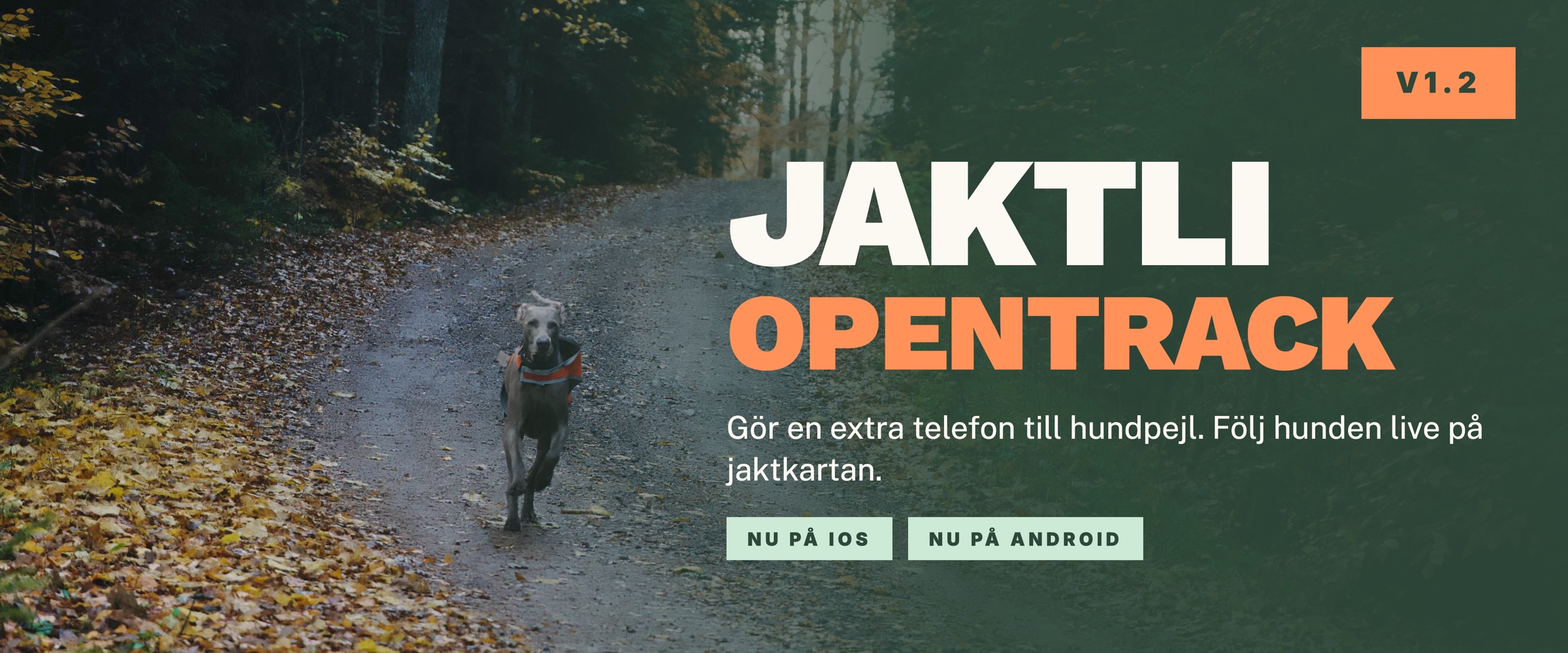
Update, 1 October 2026: the Android version is now on Google Play. Everything below applies to it too.
Jaktli OpenTrack is now available on the App Store. The app turns a spare iPhone into a dog tracker: put the phone in the dog's vest, and the dog shows up live on your team's hunt map.
This is a beta. It works on our own dogs, but we want to know how it works on yours. How to reach us is at the bottom.
What OpenTrack does
Many teams have someone who wants a tracker on the dog but does not want to spend several thousand kronor on a tracking collar and a subscription with the maker. OpenTrack solves that with a phone you already have lying around. An older iPhone with a SIM card and mobile data is enough.
The dog shows on the map just like a dog with a Garmin tracker: position, trail, battery level and distance from you. The whole team sees it during the hunt, and the trail is saved in the hunt log afterwards. OpenTrack costs nothing beyond Jaktli.
OpenTrack is a small separate app, not part of Jaktli. It goes on the dog's phone, not yours. You keep Jaktli on your own phone as usual.
How it works
- Get Jaktli OpenTrack from the App Store on the dog's phone. On jaktli.se/opentrack you can email the link to yourself, so it is easy to open on the right phone
- On your own phone: open My Dogs in Jaktli, tap Add tracker and choose Jaktli OpenTrack app. Pick the dog, name the phone if you like, and tap Create pairing code
- On the dog's phone: open OpenTrack and tap Scan QR code, or type the code. Pairing is done once and survives a restart
- Tap Start tracking and put the phone in the vest
The dog's phone has no sign-in and no account. It only knows which dog it sits on and where to send the position.
When the phone asks about location, choose Always. Otherwise tracking stops as soon as the screen goes dark.
During the hunt
You never need to touch the dog's phone during the hunt. Join a hunt on your own phone and the dog comes along automatically. Switch hunts and the dog follows.
Under GPS mode you choose how often the position is sent: Automatic, your own interval from every five seconds to every ten minutes, or Battery saver. You can change the mode from your own phone under My Dogs, without taking the dog's phone out of the vest. Charge to 100 percent the night before, and an ordinary phone lasts a full hunting day in battery saver.
OpenTrack shows your name and phone number, taken from your Jaktli profile. Whoever finds the dog can see who to call. On iPhone the details show only inside the app, not on the lock screen. Check that the number in your profile is right before the hunt.
Your data
The positions from the dog's phone are tied to your account and shared only with the teams you are a member of. The trail from a hunt is saved with the hunt. Positions sent outside a hunt are kept for at most two days.
OpenTrack does not have to send anything to Jaktli at all. If you use another system, you can have the app send the positions to a server of your own instead. The option is on the pairing screen in OpenTrack, under Send positions to another server. You enter the server's address, a device ID the server will know the phone by, and a security key if the server requires one. A button sends a test signal so you can see that the server answers. After that the phone works as usual, with Start tracking and stop, but the positions go to your server and nothing shows on the team's map.
What is sent is the phone's own positions: latitude, longitude, time, and, when the phone has them, accuracy, altitude, speed, heading and battery level. Nothing from Jaktli comes along. The format is in the user guide, so whoever runs the server can receive it. We wrote about why we built it this way in the post on the Data Act.
Beta: help us test
We have tried OpenTrack on our own dogs, with a handful of phones and on our own ground. We have not tried every iPhone model, every carrier or every kind of terrain. So we want to hear from you.
This is what we want to know:
- Which iPhone model the dog carried, and how old it is
- How long the battery lasted, and which GPS mode you ran
- Whether the dog disappeared from the map, and roughly when and where
- What the coverage was like where you hunted
Send it through Feedback in the Jaktli app. Tap the profile icon, choose Settings and then Feedback. You can attach screenshots there. Emailing info@jaktli.se works just as well.
How do you attach the phone?
The pocket is the weak link. The phone has to sit securely, survive water and brush, and come off when the dog comes home. We have tried a few vests ourselves, but too few to give advice. If you already have a vest with a pocket that fits a phone, or a case that keeps it dry, we would like to know.
Please tell us:
- Which vest with a pocket fits a phone, and for what size of dog
- Which case or pouch keeps the phone dry
- If you built something yourself, how you did it
Pictures are very welcome. We will gather the answers in the user guide, so the next person buying a vest does not have to guess.
Let us know if anything is off. We read all feedback.